Send Swift
Personalized Mail Automation
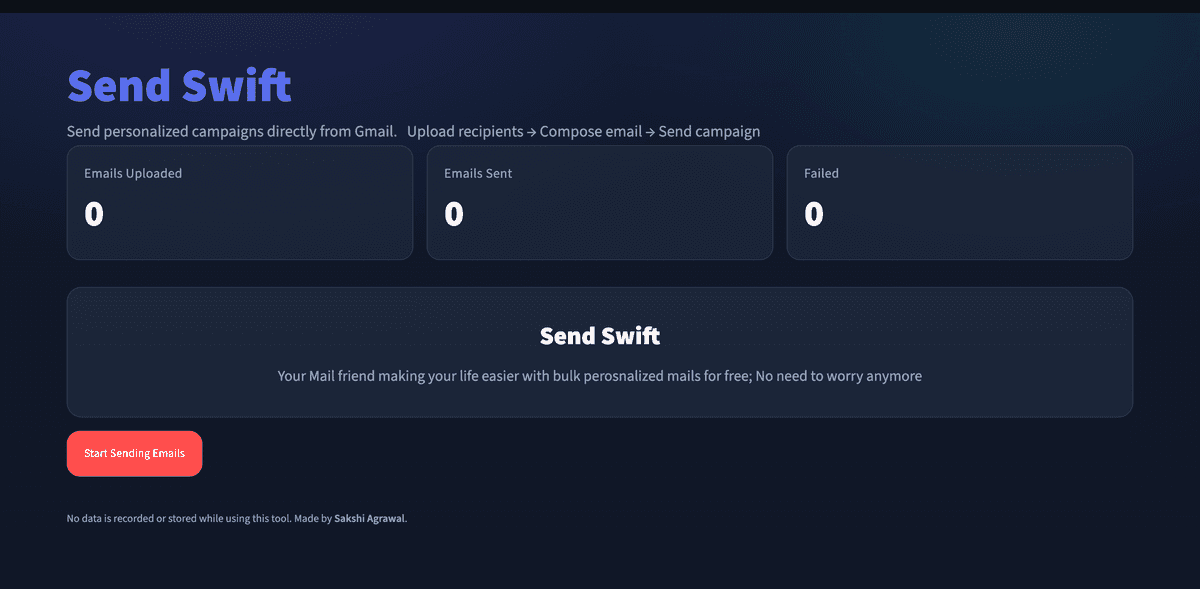
The problem
Sending the same email to a long list of people one by one is slow, and copy-pasting a template while manually swapping in each person's name is exactly the kind of tedious work a computer should do instead. Most bulk-email tools also want you to hand over your contacts or pay for a subscription just to send a personalized batch of emails.
Features
Sends from your own Gmail
No separate mail server or third-party sending service — campaigns go out through your own account, so they land as a normal email from you.
Upload a recipient list
Upload a spreadsheet of recipients and their details once, instead of typing each address by hand.
One template, personalized per recipient
Write a single email template with placeholders, and Send Swift fills in each recipient's details automatically before sending.
Live send tracking
A simple counter shows emails uploaded, emails sent, and any that failed, so you know a campaign went out cleanly.
How it works
You upload a list of recipients, compose one email with merge fields for the parts that change per person, and hit send. Send Swift loops through the list, swaps in each recipient's details, and sends the personalized email from your connected Gmail account — no data is stored after the campaign finishes.
Built with
Have thoughts on Send Swift?
Bugs, ideas, or just want to say it's useful — feedback goes straight to me.
Send feedback